


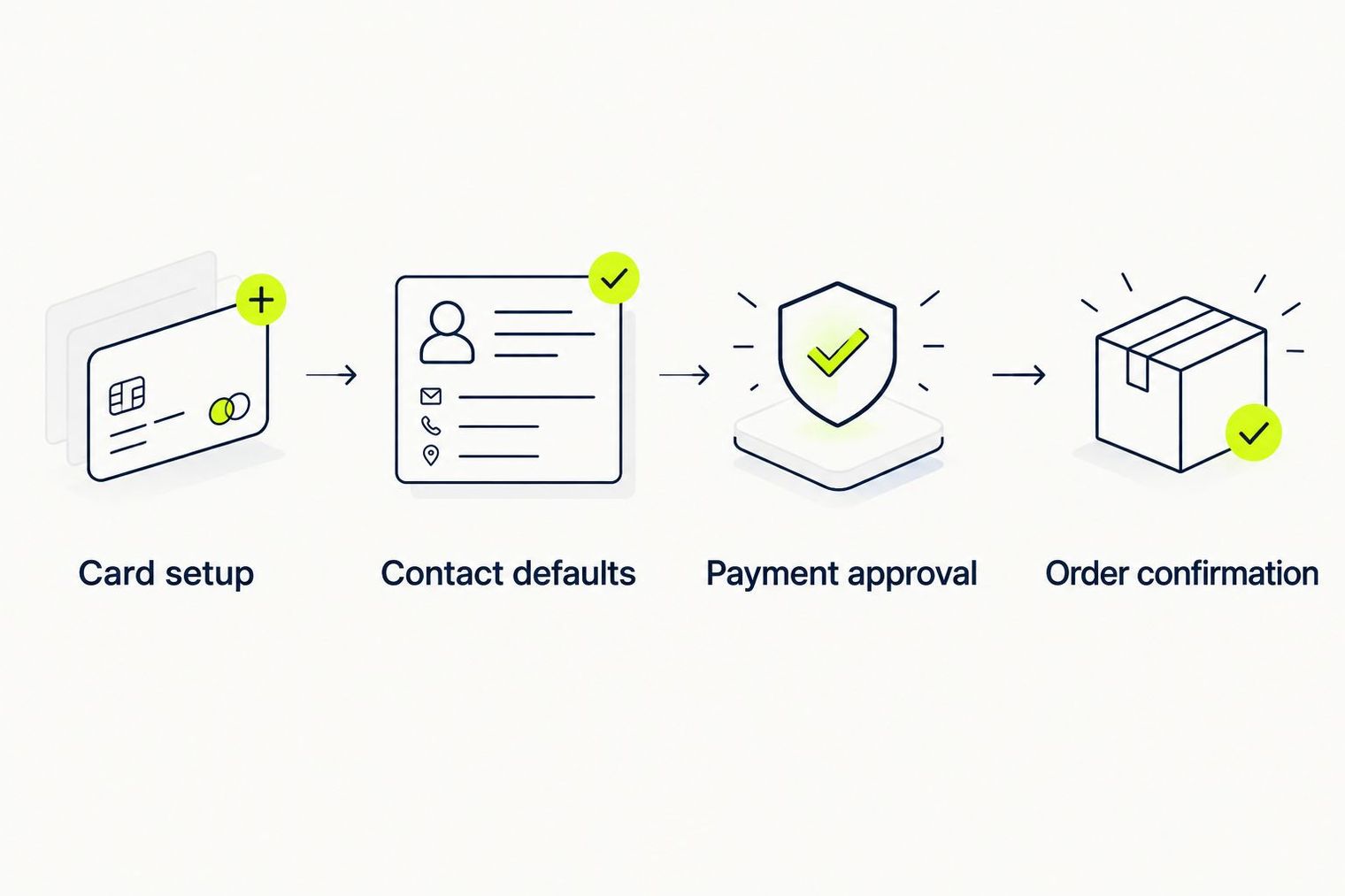
TLF Apparel shoppers can use Apple Pay for faster checkout by setting up an eligible payment card in Apple Wallet and selecting Apple Pay at the store's checkout. The process requires device compatibility, card verification with the issuer, and review of shipping and billing information before authorizing each purchase. No permanent connection between the store and Apple account is created.
Key points
- Add an eligible card to Apple Wallet and complete issuer verification. Open Wallet, select your card type, enter details, and follow your bank's verification method before attempting any purchase.
- Set a default card and review shipping information in Wallet settings. Choose Transaction Defaults to select your preferred card and confirm that shipping address, email, and phone number are current and accurate.
- Review your cart and locate Apple Pay at checkout. Open TLF Apparel directly in Safari, verify item size and color, and proceed to checkout where "Apple Pay separates payment setup from shopping."
- Inspect the payment sheet before authorizing the transaction. Confirm the card, shipping address, email, and phone are correct in the Apple Pay sheet, then use Face ID or Touch ID to approve the purchase.
- Wait for store order confirmation, not just device authentication. Device approval alone does not guarantee order completion; verify the checkout result page and check your confirmation email before closing the browser.
- Troubleshoot missing Apple Pay by checking Safari, Wallet verification, and device compatibility. If Apple Pay does not appear, use an alternative payment method the checkout offers, as "a shopper cannot switch on a merchant's payment integration."
Summarized by MalakyeAI