


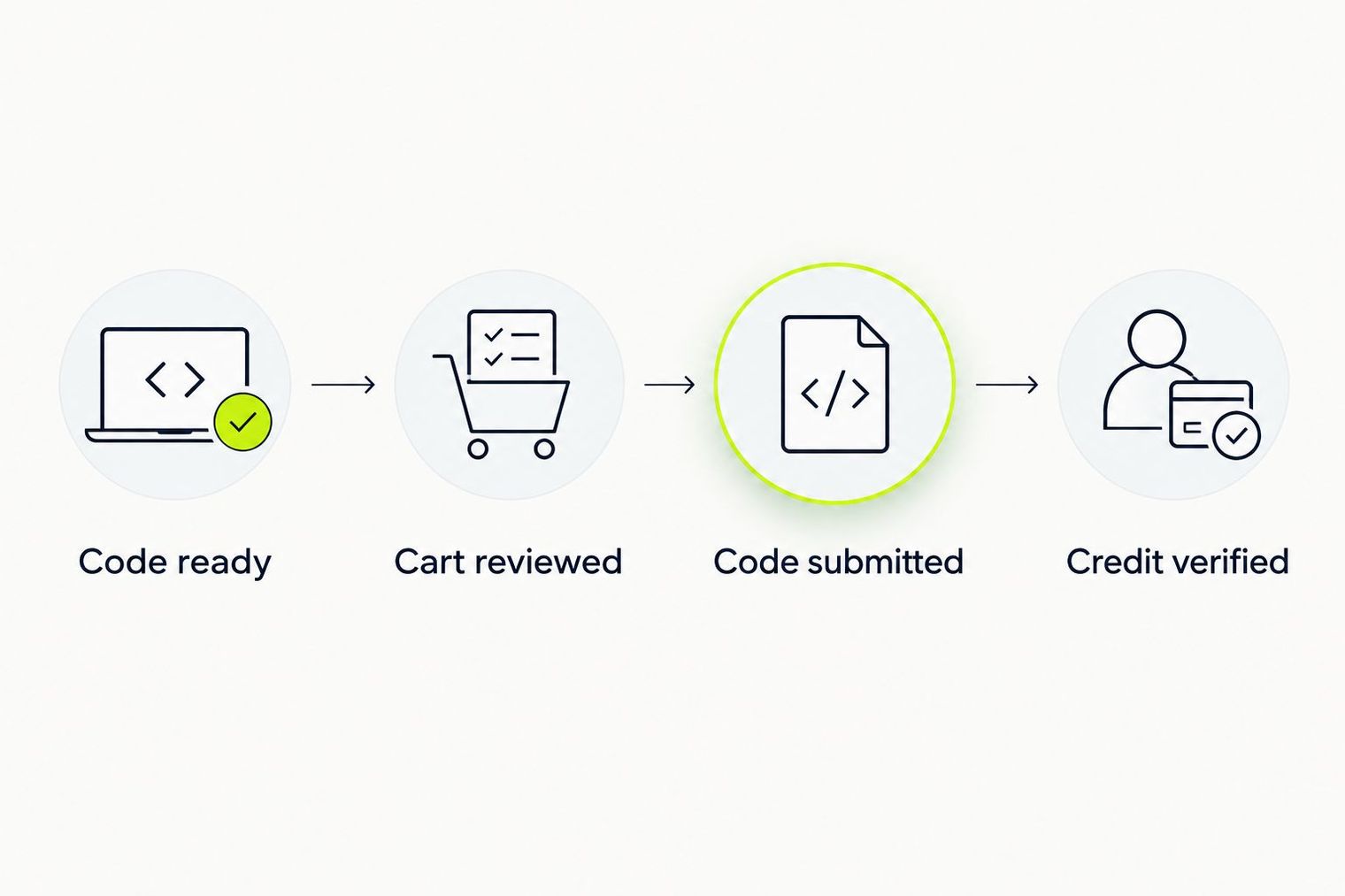
TLF Apparel customers redeeming gift cards should enter their redemption code in a checkout field explicitly labeled for gift cards, then verify the applied credit in the order summary before submitting payment. The process requires keeping the redemption code private, locating it from the original gift-card message, and confirming acceptance through checkout's response rather than assuming a populated text box indicates success. Skipping verification steps can result in incomplete redemption or payment issues resolved after purchase.
Key points
- Locate the redemption code from the original gift-card message or document. Open the message itself rather than a screenshot, find the code, and keep the instructions accessible for reference during checkout.
- Protect the gift-card code as private payment information throughout shopping. Do not share the code in public posts, shared lists, or messages documenting checkout errors; hide the code if photographing your screen to report a problem.
- Identify a checkout field with wording that explicitly includes gift cards before entering the code. Do not enter the code into an unrelated field or assume a familiar-looking box accepts gift cards without confirming its stated purpose.
- Submit the redemption code for validation using the field's control, then read the checkout response. "A populated text box alone is not the expected result," and you must see a clear acceptance or error message before proceeding.
- Verify applied credit in the order summary as a separate step from reviewing remaining payment. The summary must show gift-card credit acceptance and explain what amount checkout requires before you authorize the order.
- Retain the order confirmation and original gift-card information privately if payment questions arise after purchase. Contact support through official channels without posting the code publicly, and do not place a duplicate order while awaiting clarification.
Summarized by MalakyeAI